

We help you bring your clients back & earn more from each visit.
Booking software for barbershops. Run your team’s diary and give clients an easy way to book their next cut.
Explore the demo
More from the clients
who choose your shop.
Bring your booking and growth tools together. Spend less time managing separate systems and more time running your business.
Bring more clients back.
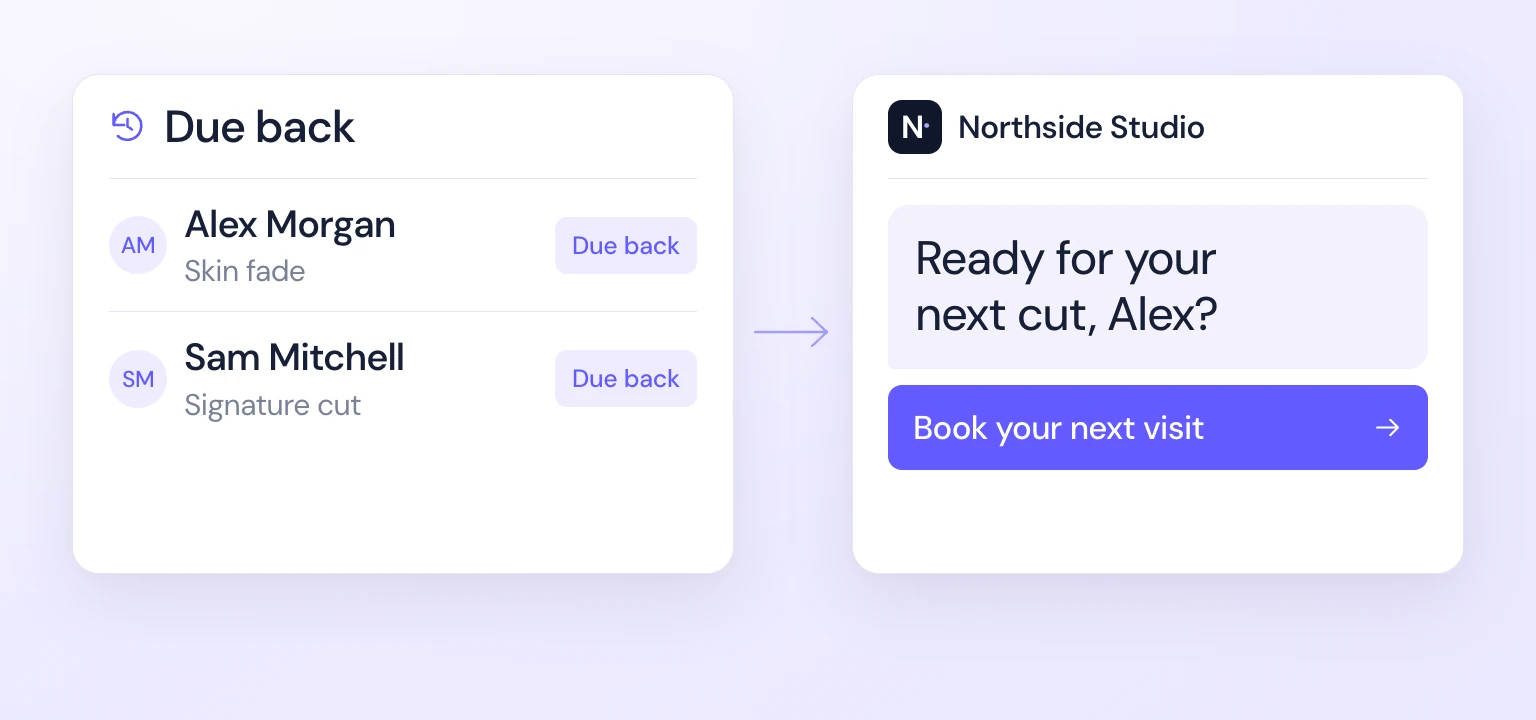
Stay in touch with regulars when they’re due and reconnect with clients you haven’t seen in a while.
Rebooking campaignsMake more from each visit.
Offer a product or extra service after booking, with prices and discounts you control.
Booking upsellsReward loyalty. Grow through referrals.
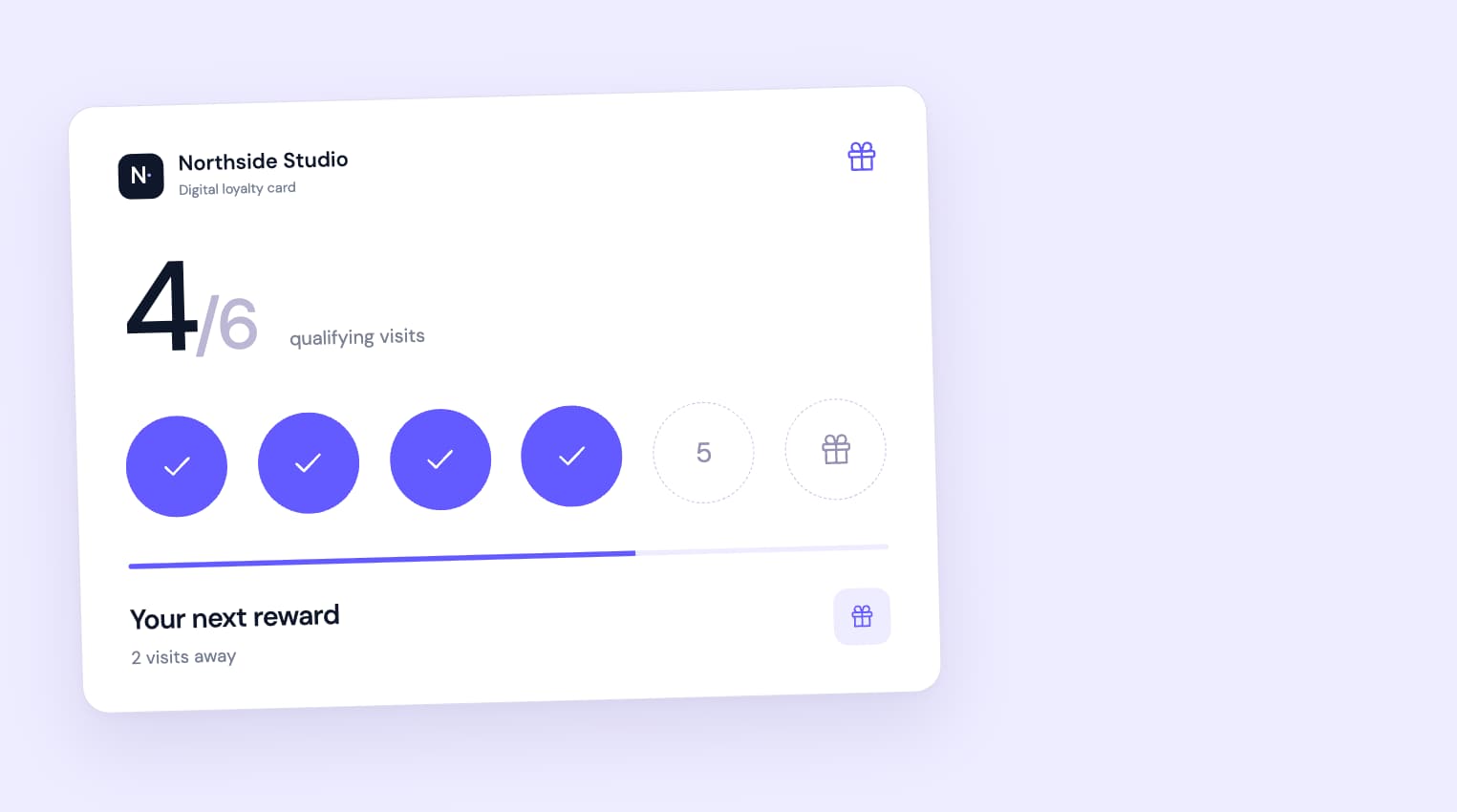
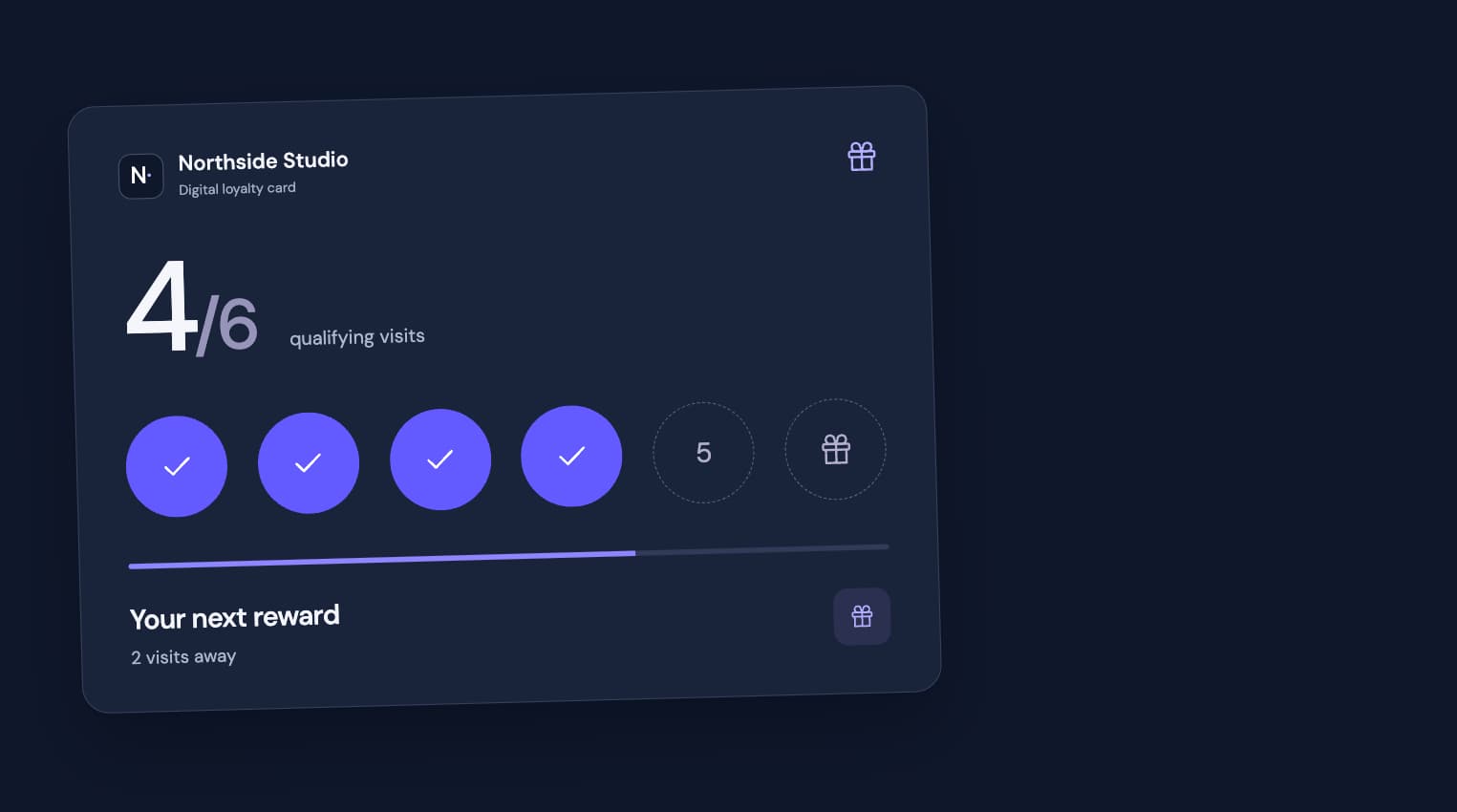
Give regulars something to work towards and reward recommendations that bring new clients through your door.
Loyalty & referralsChoose CalendarCut to run your day
& grow your business.
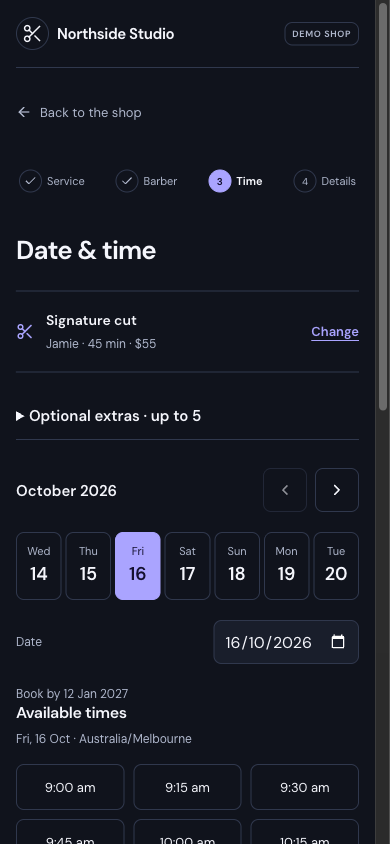
Online booking made easy for your clients
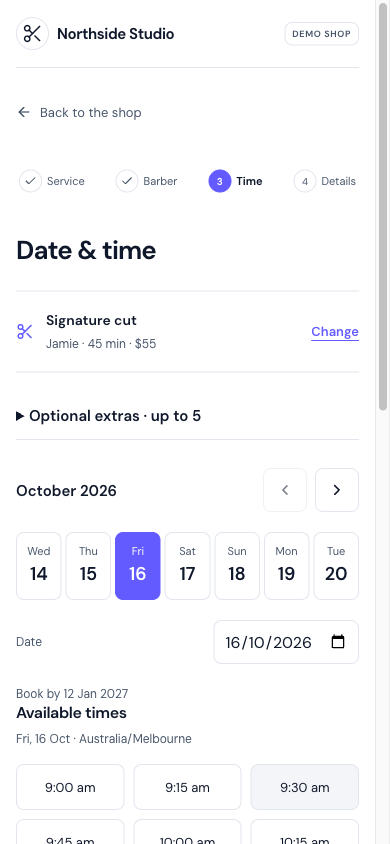
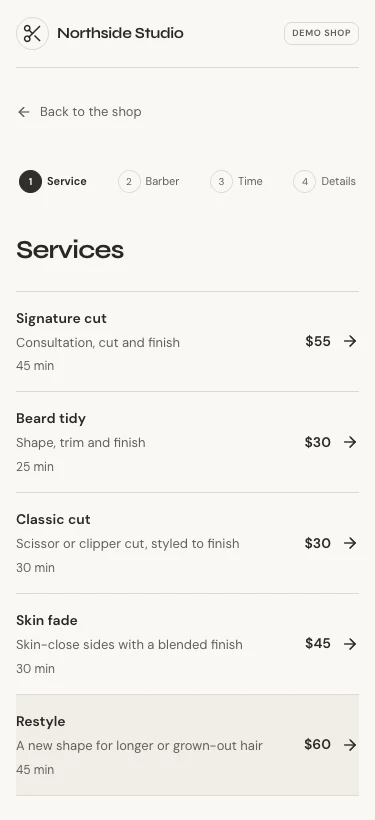
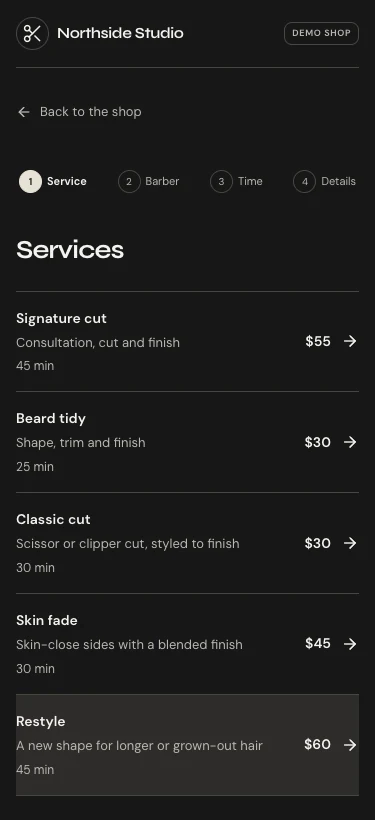
Clients choose a service, their barber and an available time—all from a simple booking page that works beautifully on their phone.
- No app to download.
- See available times as they book.
- Reschedule or cancel through their private link.


Their next visit.
Win more reviews from the clients you already serve
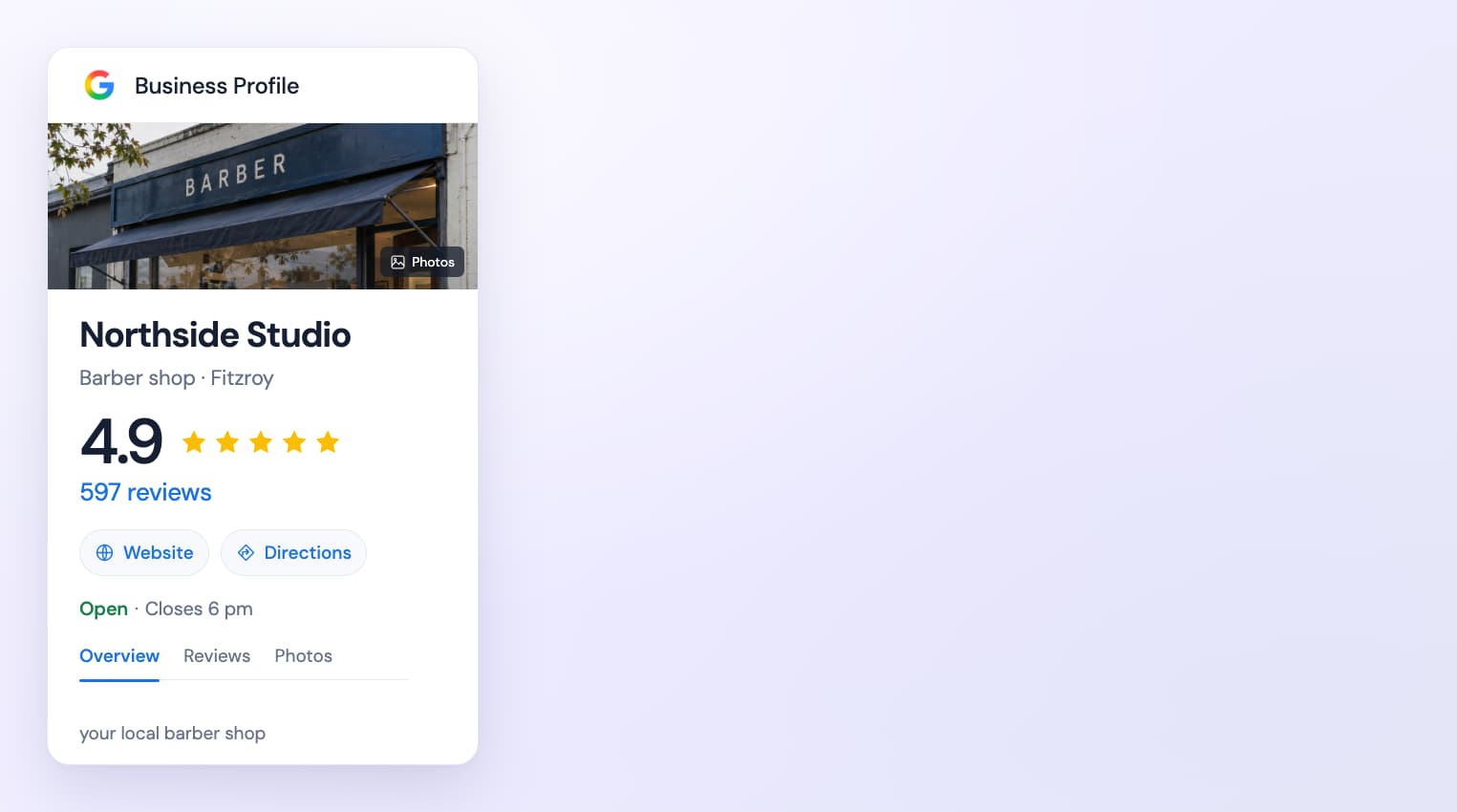
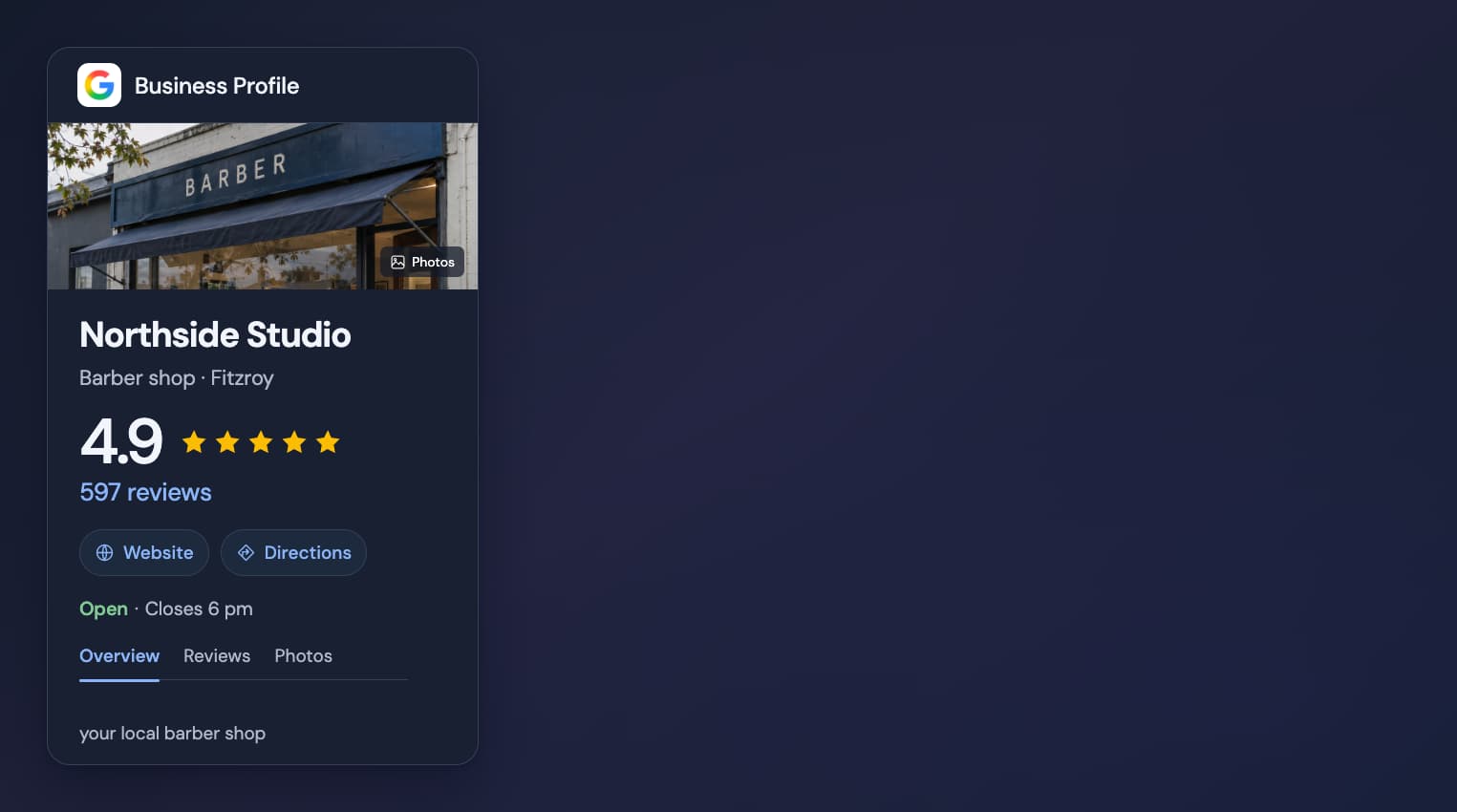
Turn completed visits into Google reviews that help new clients choose your shop on Google Maps.
- Choose how long after the appointment requests are sent.
- Send clients directly to your shop’s review page.
- Invite honest feedback from every eligible client.
Offer more than a haircut when clients book
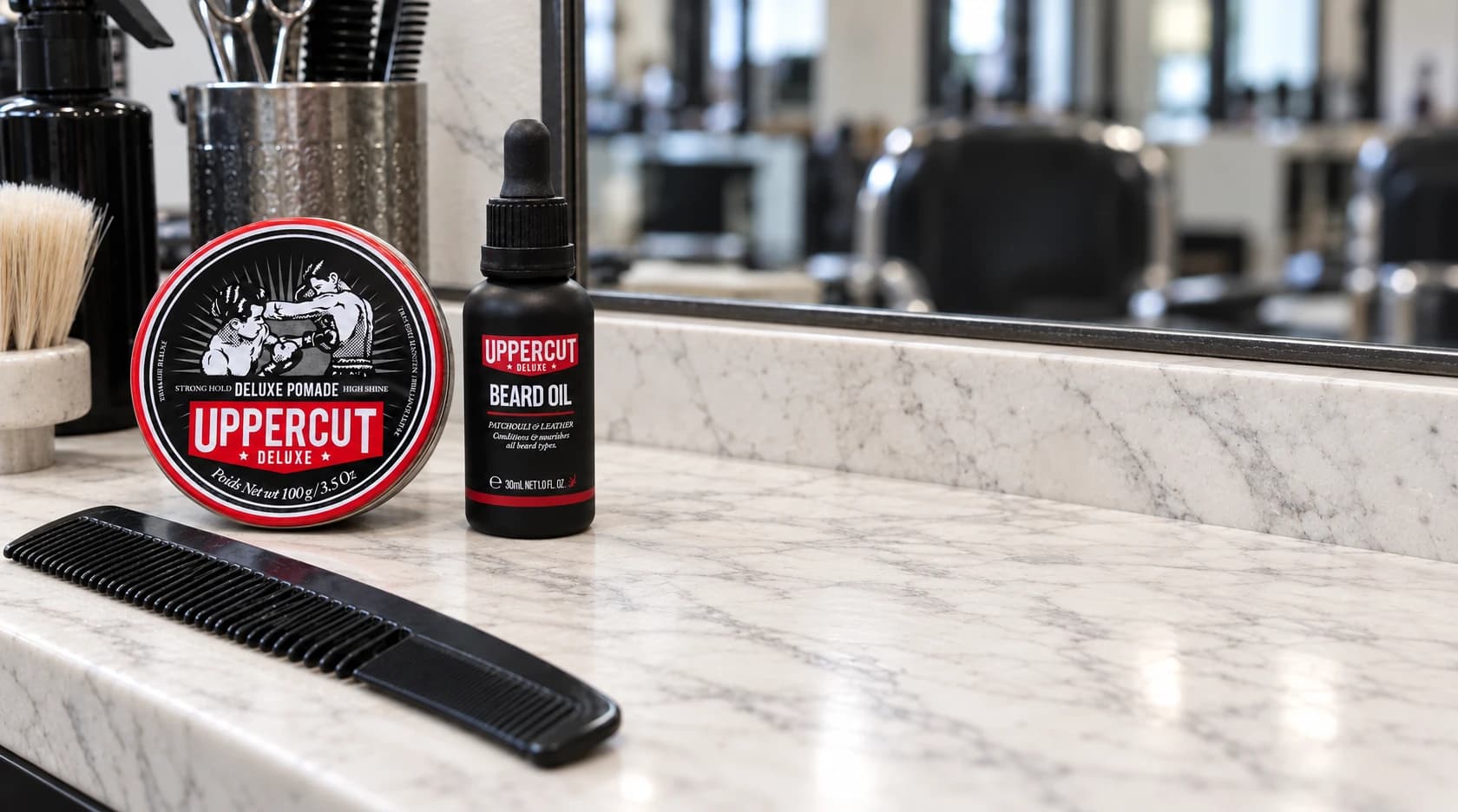
Encourage clients to add a product or treatment to their appointment and increase the average spend per customer.
- Promote products and extra services from your own range.
- Choose which bookings can receive each offer.
- Set your prices and discounts to suit your shop.
Take the barbershop finish home.
Give past clients a reason to choose your shop again
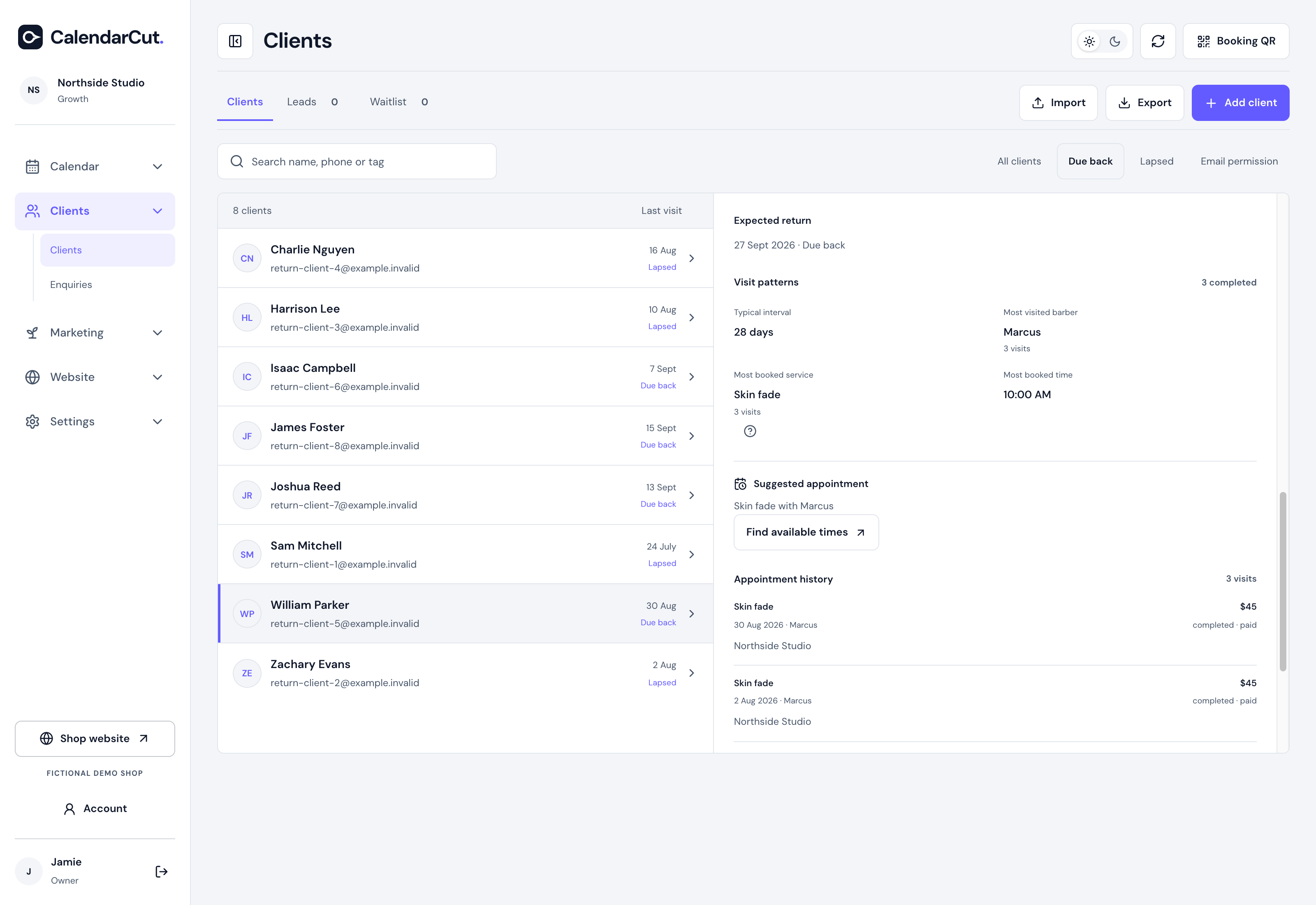
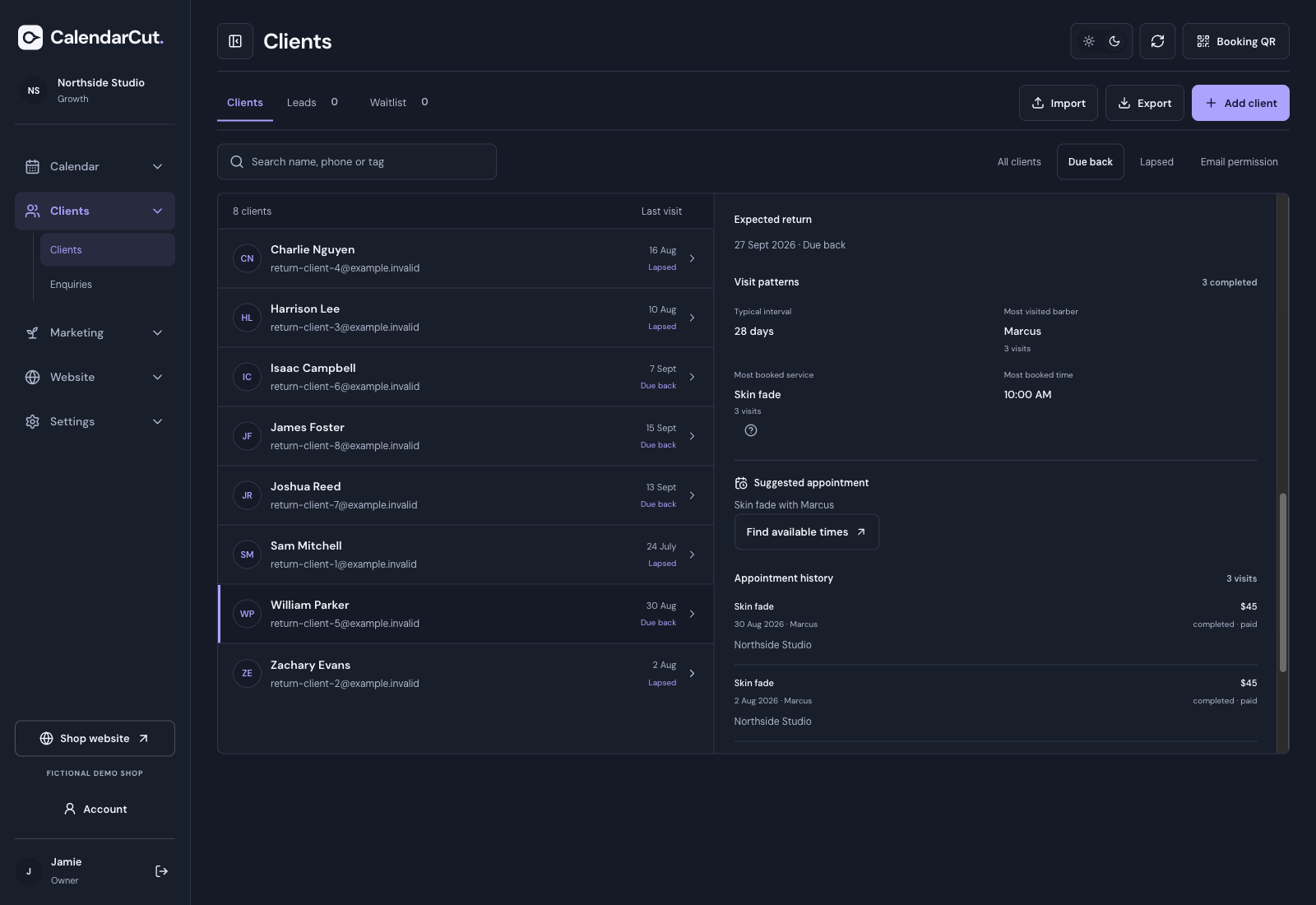
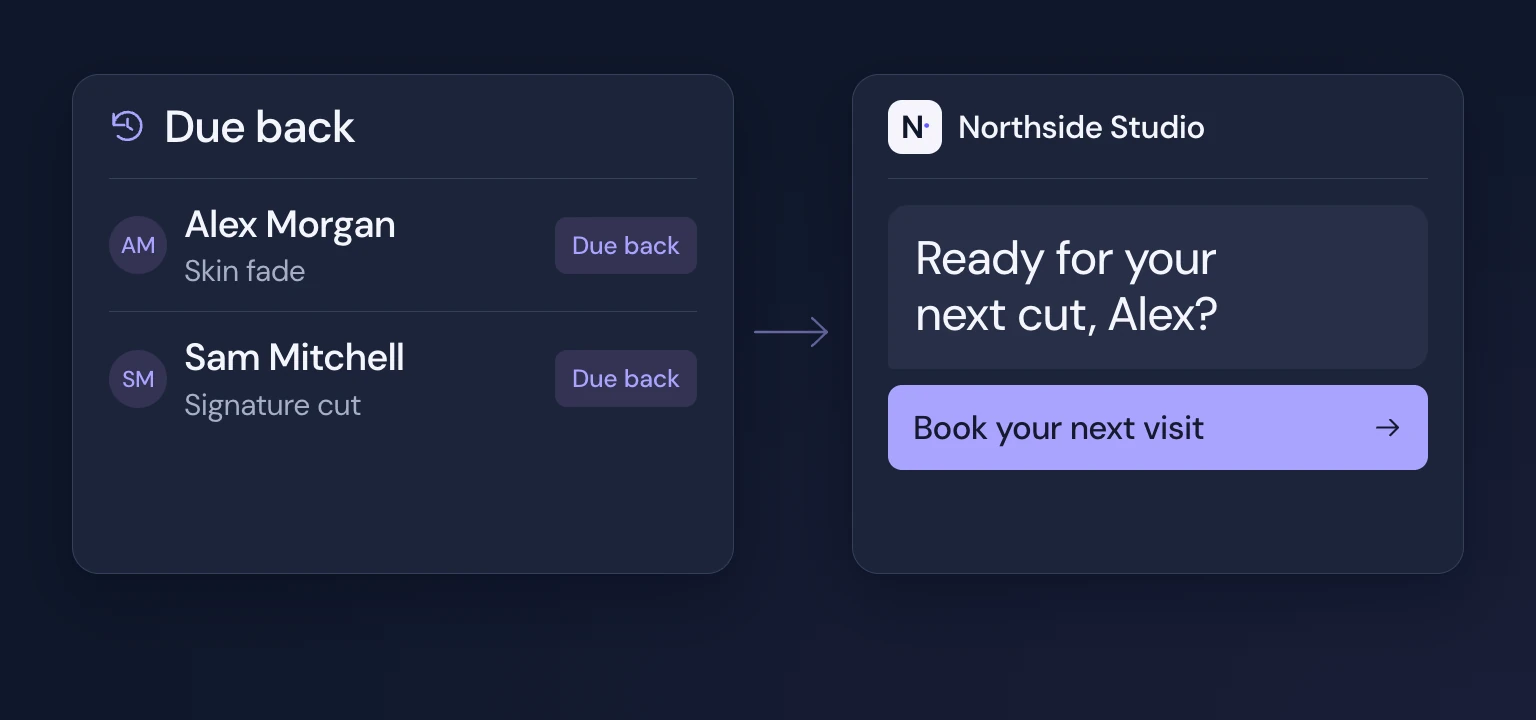
Reconnect with past clients when they are due for another cut and make their next booking easy.
- Find clients who are due back or haven’t visited recently.
- Reach the right audience through email or SMS.
- Review campaign results to help plan your next message.
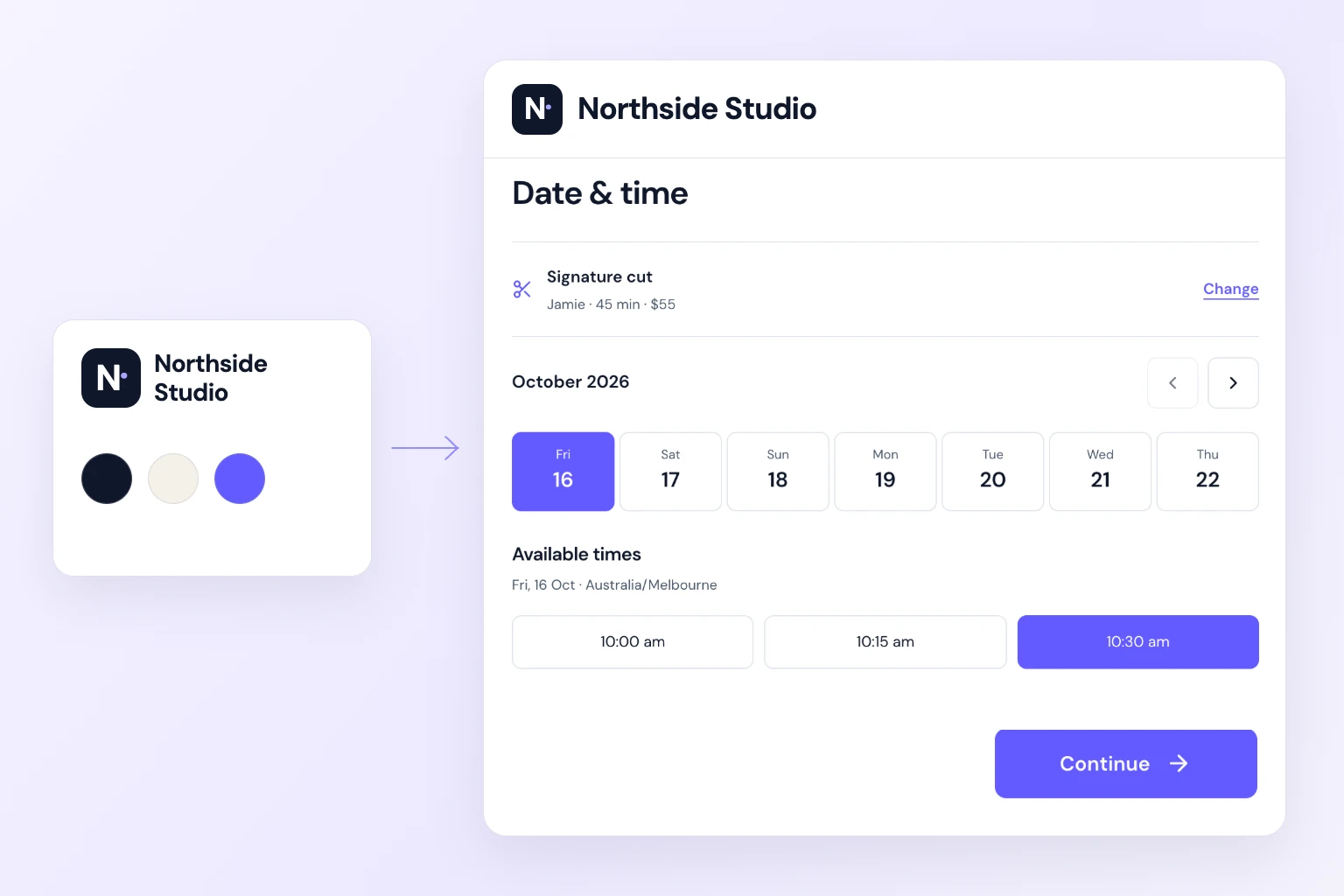
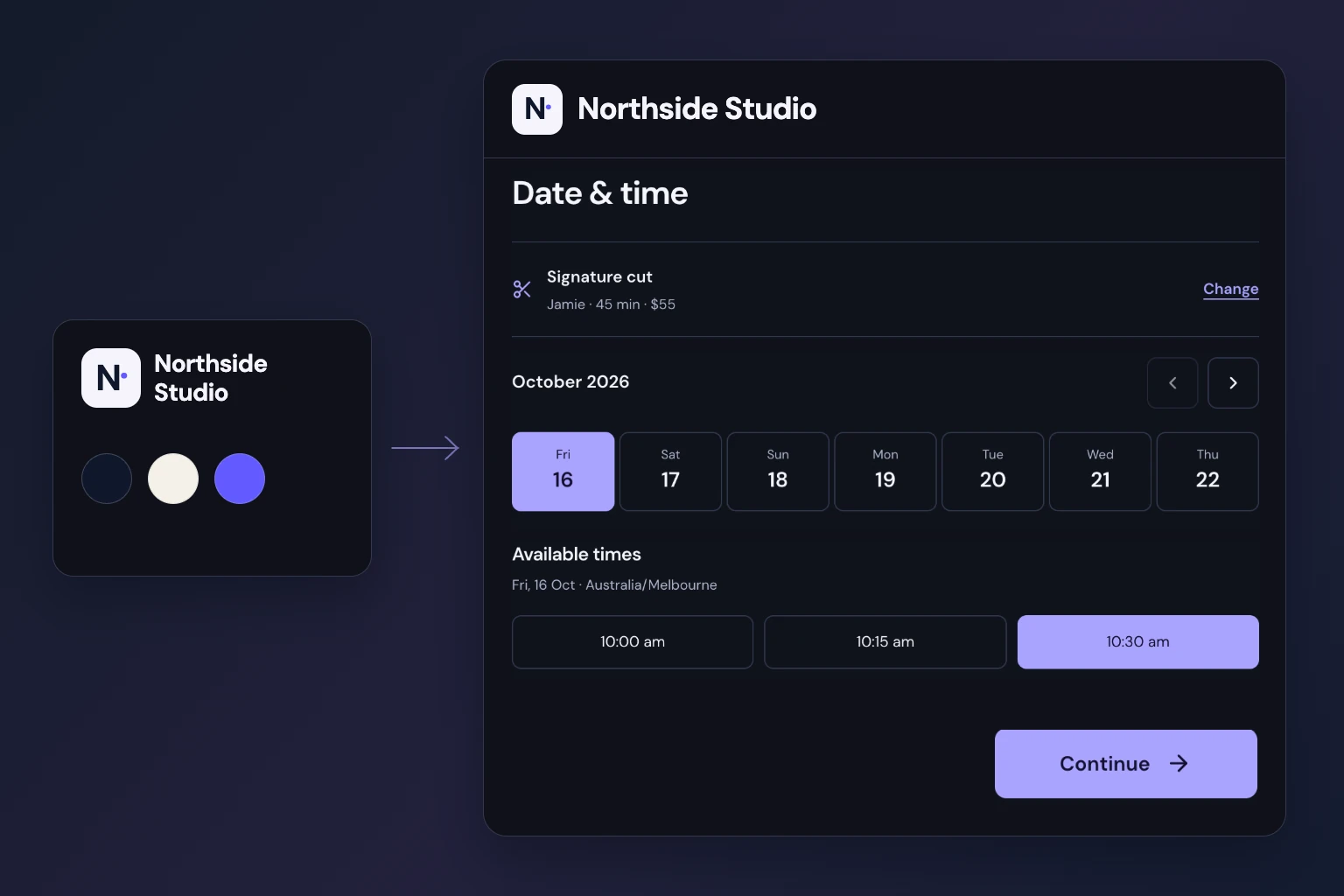
Make your booking page part of your brand
Keep your shop recognisable from the first click, with a booking page that feels like yours.
- Personalise the booking page with your logo and colours.
- Share your shop’s booking link across your online profiles.
- Use a booking QR on your counter, window or printed materials.
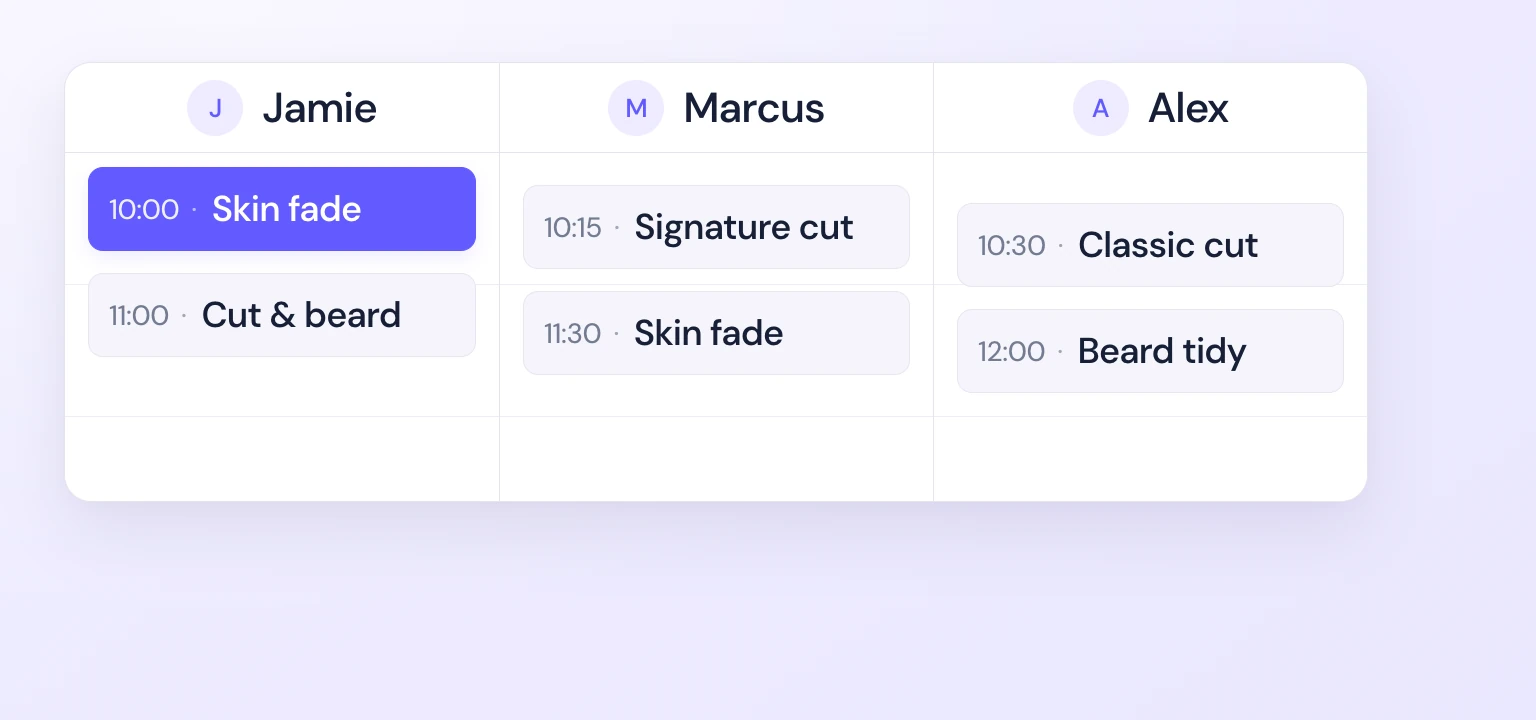
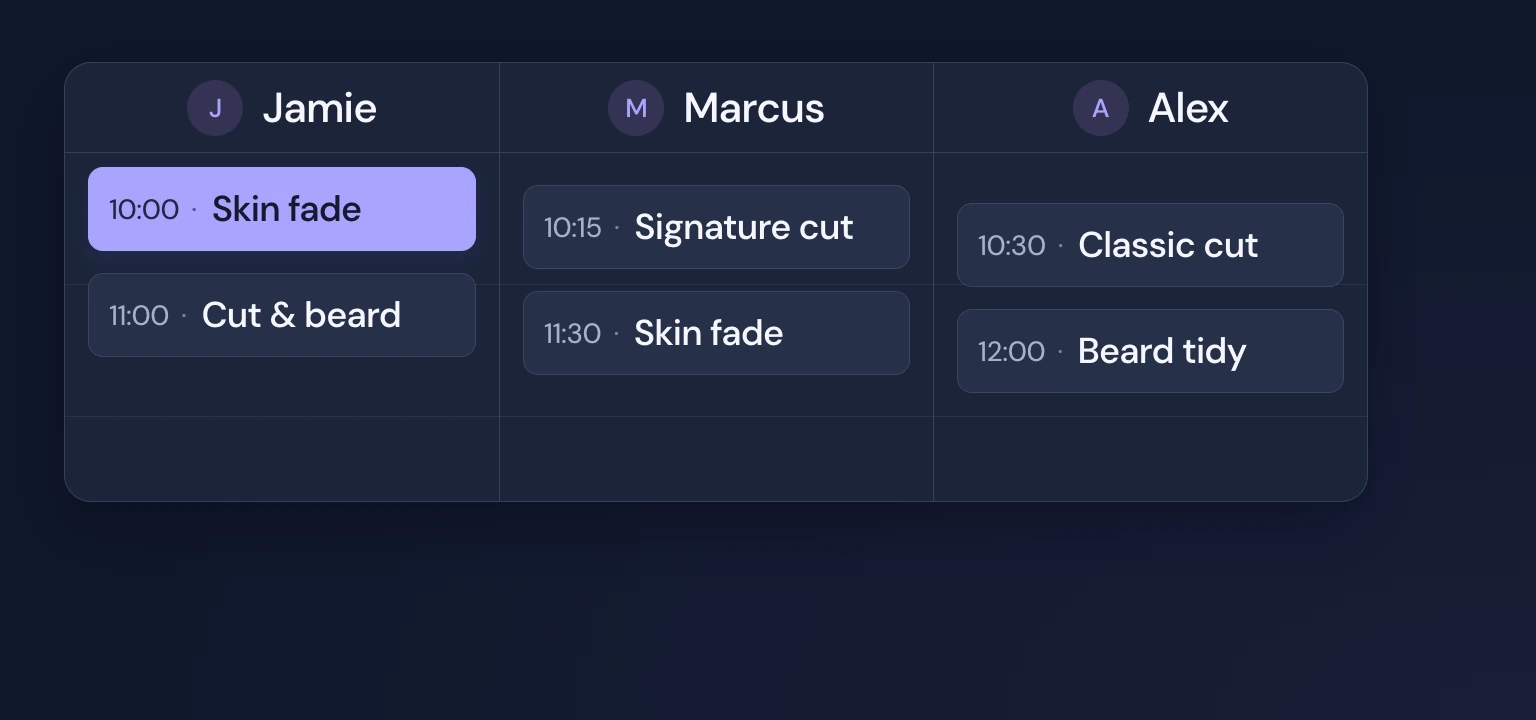
Manage the whole shop’s day from one place
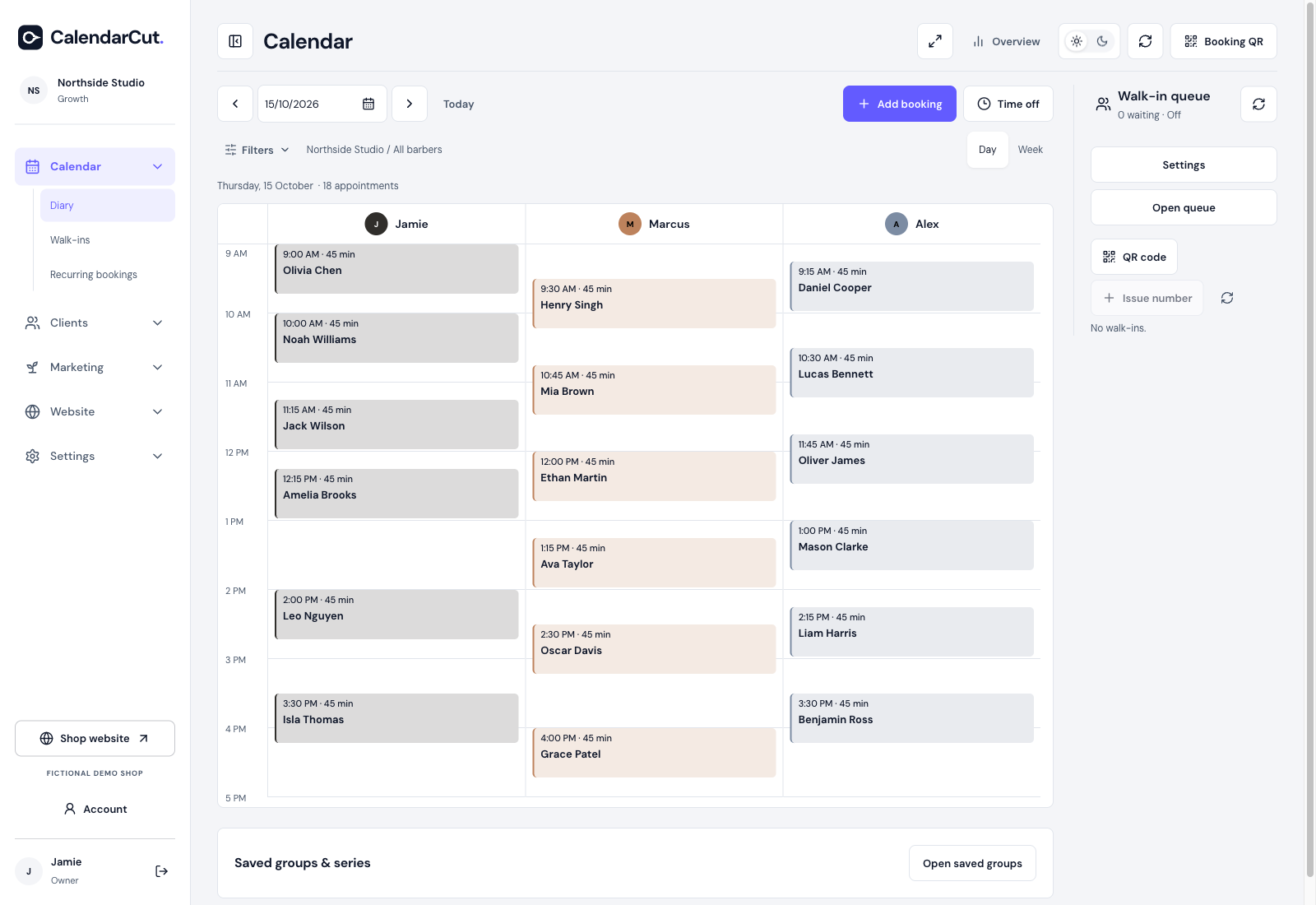
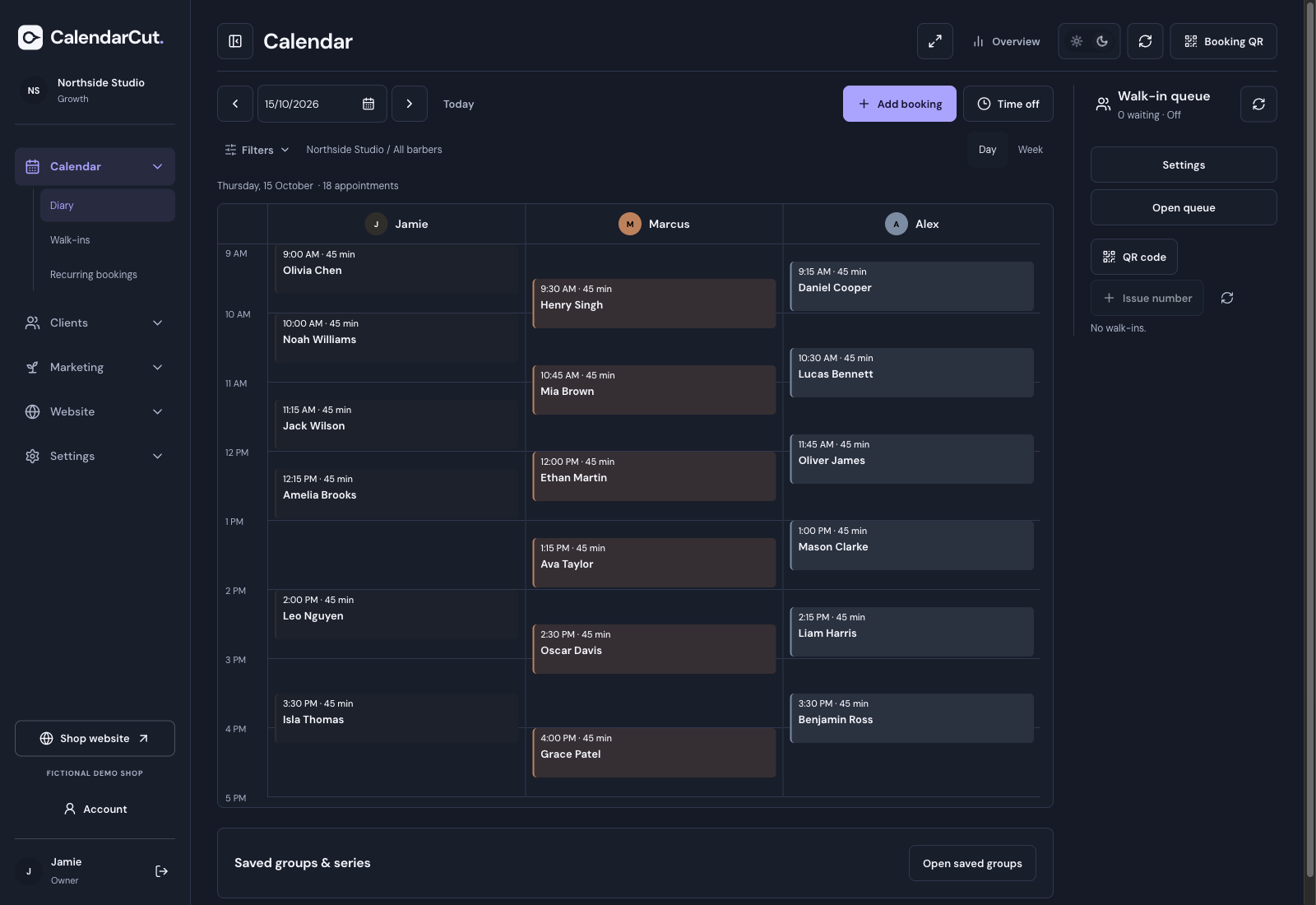
Keep appointments, walk-ins and team availability together so everyone knows what’s next.
- Switch between day and week views.
- Manage recurring appointments for regular clients.
- Offer suitable openings to clients on your waitlist.
Clients book in their browser.
Appointments and walk-ins together.
Your shop, logo, colours and booking link.
Built around
your shop.
Custom team access.
Choose what each team member can see and manage.
A choice for your clients.
Clients choose whether to receive marketing.
Easy appointment changes.
Clients can view, reschedule or cancel through their private link, within your booking rules.
Bring your client
list with you.
Start with the contacts you already have. Import your client list, add your services and team, and connect your booking page to your existing website.
See how to get started- Set up your shop
Add your services, products, barbers and working hours.
- Bring your clients across
Review your CSV import before saving. Existing marketing permissions stay separate.
- Share your booking page
Use your shop’s link, or connect an eligible custom domain. Keep your current website if you prefer.
Made for the way
you work.

See CalendarCut
in action.
Explore the demos
Questions from shop owners
How does CalendarCut help grow my shop?
Give past clients a reason to return, reward regulars for recommending your shop, and offer something extra with a confirmed booking. CalendarCut brings those sales opportunities together with the diary you use to run your day.
Can it help bring back clients I haven’t seen in a while?
Yes. Find clients who are due another visit or have gone quiet, then reach them with a rebooking campaign. A direct booking link makes it easy to act on the reminder and choose their next appointment.
Can I send different offers to different clients?
Yes. Follow up with first-time clients, invite lapsed clients back, or send an offer to a group of regulars. Choose who you want to reach and send them a link back to your shop.
Can I choose what I upsell?
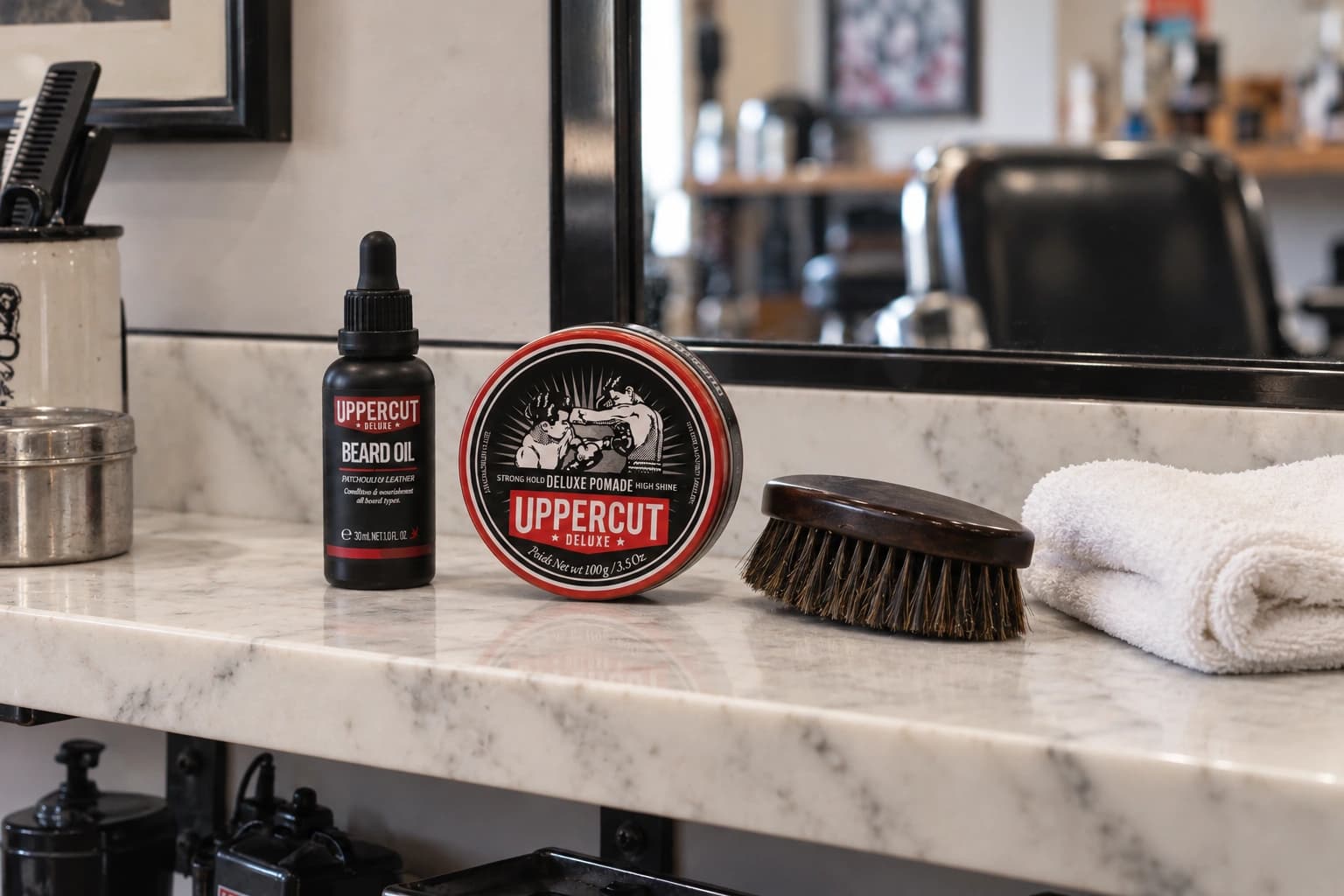
Yes. Offer an extra service or a product, such as beard oil or styling wax. Set your own prices and discounts. Clients see one relevant offer after booking, with the price and any extra service time shown before they accept.
Can I manage walk-ins as well as appointments?
Yes. Add walk-ins to your queue, choose their service and barber, and move them into the diary when a chair is ready. Save their contact details when they choose to share them. Joining the queue does not sign anyone up for marketing.
Can I choose my own loyalty and referral rewards?
Yes. Choose stamps or credit and set rewards that work for your shop. Loyalty rewards follow qualifying completed, paid visits; referral rewards follow the friend’s first qualifying completed, paid visit. Clients can see their rewards and progress towards the next one.
How will I know which campaigns get bookings?
See the bookings linked to your email and SMS campaigns, along with completed visits and recorded payments. Compare the response before planning your next campaign.
Can I keep my existing website?
Yes. Add your CalendarCut booking link to your current website and social profiles. Eligible plans also support your own connected domain.
Can I set different access levels for my team?
Yes. Choose what each team member can see and manage, so owners, managers and barbers have the access that suits their role.
Does CalendarCut send appointment reminders?
Booking emails and scheduled email reminders help clients keep track of their visit. Rebooking campaigns are separate and need the client’s marketing permission.
Can I bring over my existing client list?
Yes. Bring your contacts across with CSV import and check the list before saving. That gives you a starting point for reconnecting with clients. Marketing permission still needs to be recorded before you send them offers.
Can I email or text everyone who books?
Only clients who have given the relevant marketing permission. Booking an appointment does not automatically sign someone up for offers. Clients can unsubscribe, and they can book without joining your marketing list.
Is SMS included, and can I control the cost?
SMS is available on Growth and charged separately. See estimated campaign costs before sending and set a spending limit. Longer texts can use more than one message segment. Email and SMS require connected sending providers.
Will clients need to download an app?
No. They book from your shop’s link on their phone, choose an available barber and pick a time that suits them. They can manage their next visit from a private link, too.
Which plan is right for my shop?
Choose Core for bookings, client records, booking emails and the team diary. Choose Growth when you also want rebooking campaigns, one-time offers, loyalty, referrals and enquiries. SMS is charged separately, and you can switch optional Growth tools off.